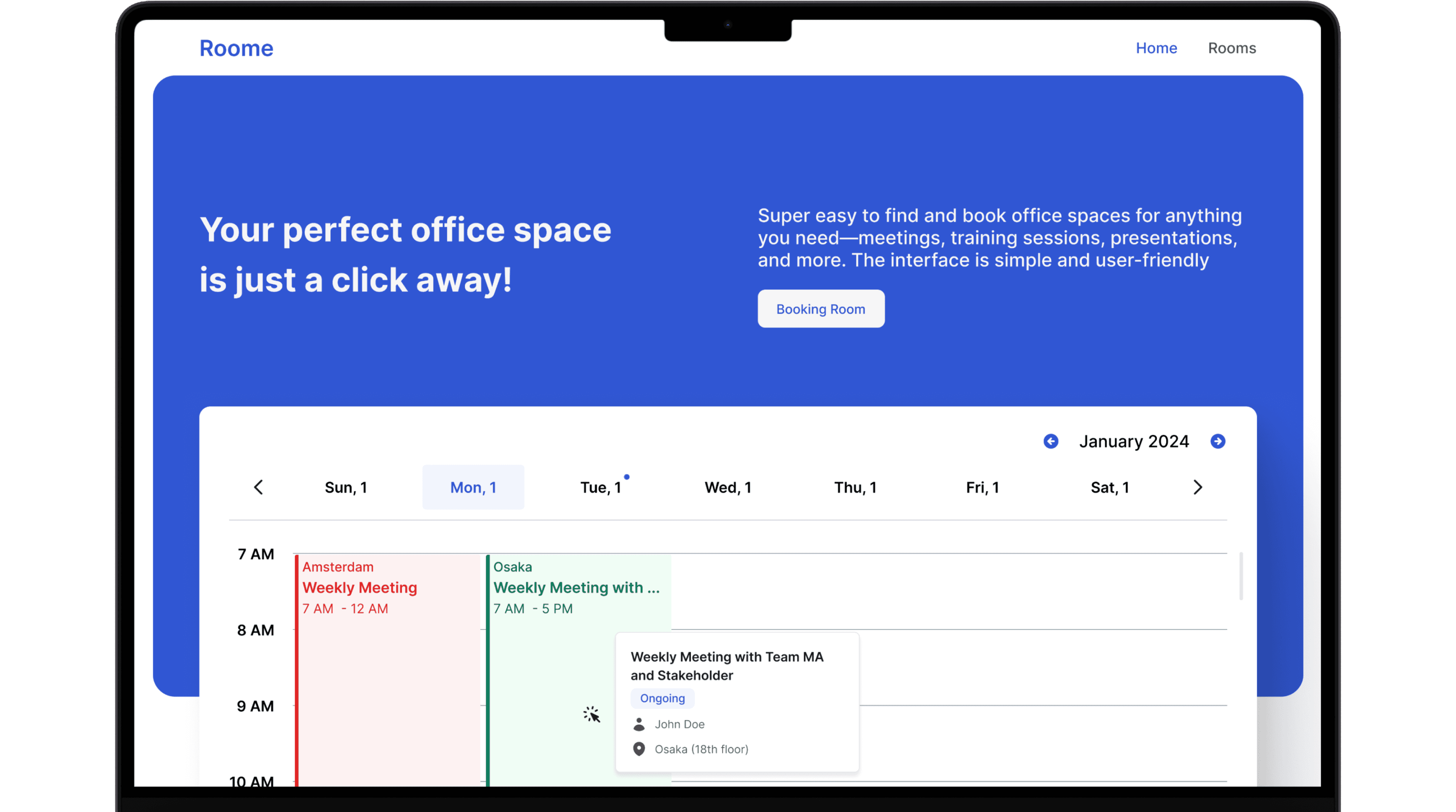
Roome
About
Roome are specifically designed to cater to the needs of Metrodata employees, providing convenient spaces for meetings, presentations, and other work-related activities. These rooms are especially ideal for the Metrodata Training division, which often requires facilities to conduct training sessions over multiple days.
With flexible booking options, modern amenities, and a comfortable environment, these spaces ensure that all training programs and work events are executed smoothly and efficiently. Whether for a short meeting or an extended training session, our rooms are equipped to support the various needs of the Metrodata team.

Landing Page
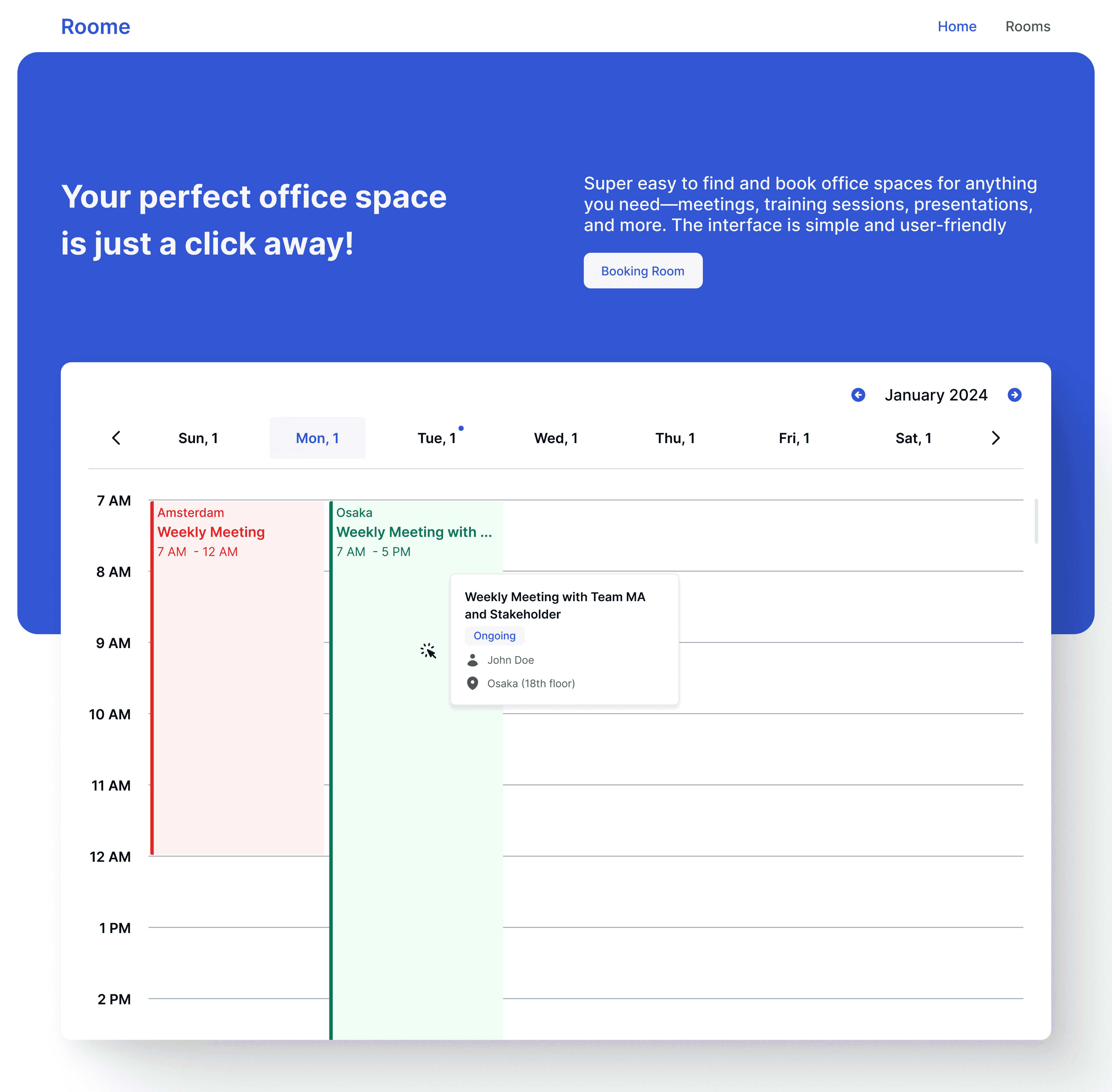
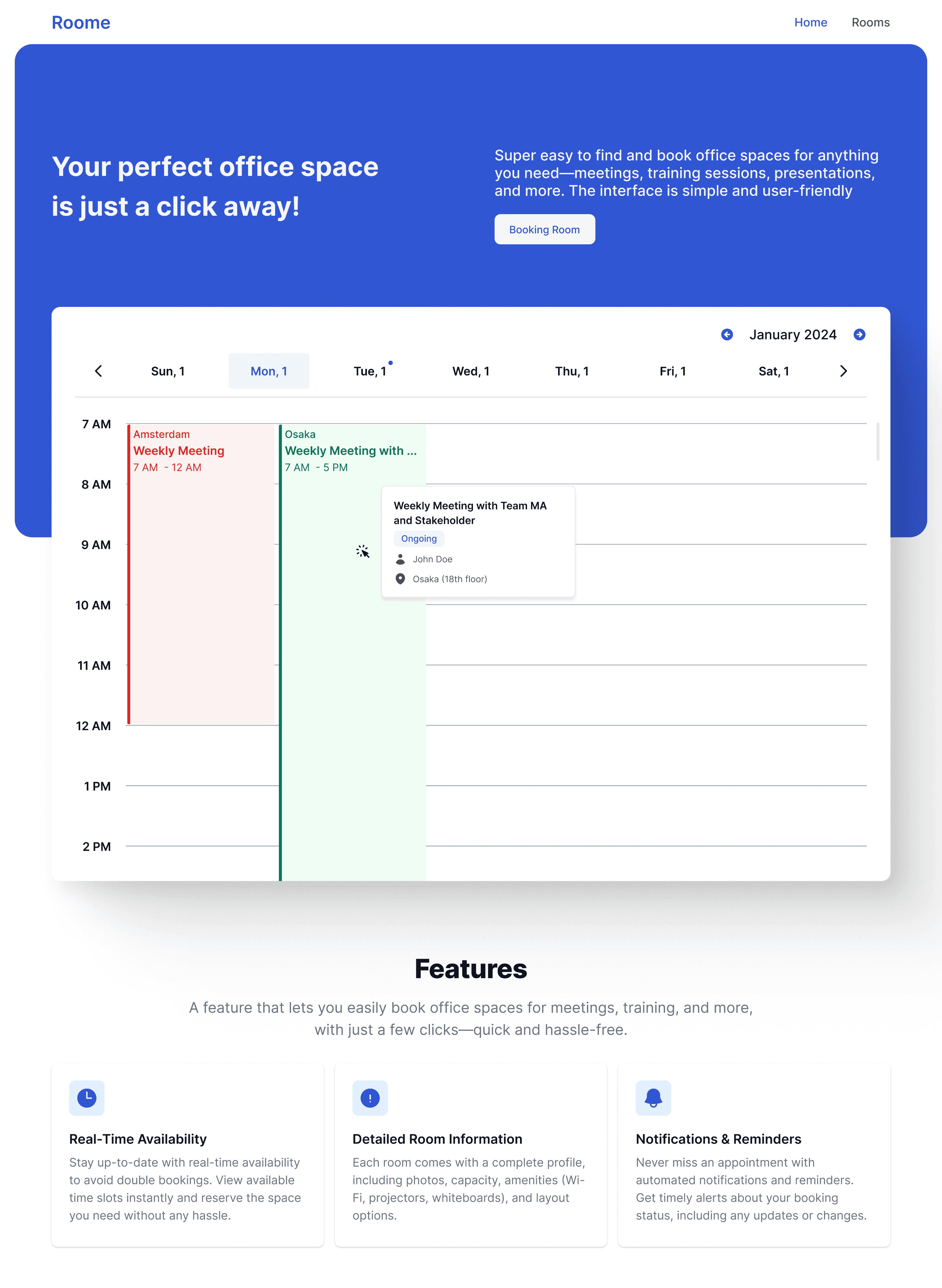
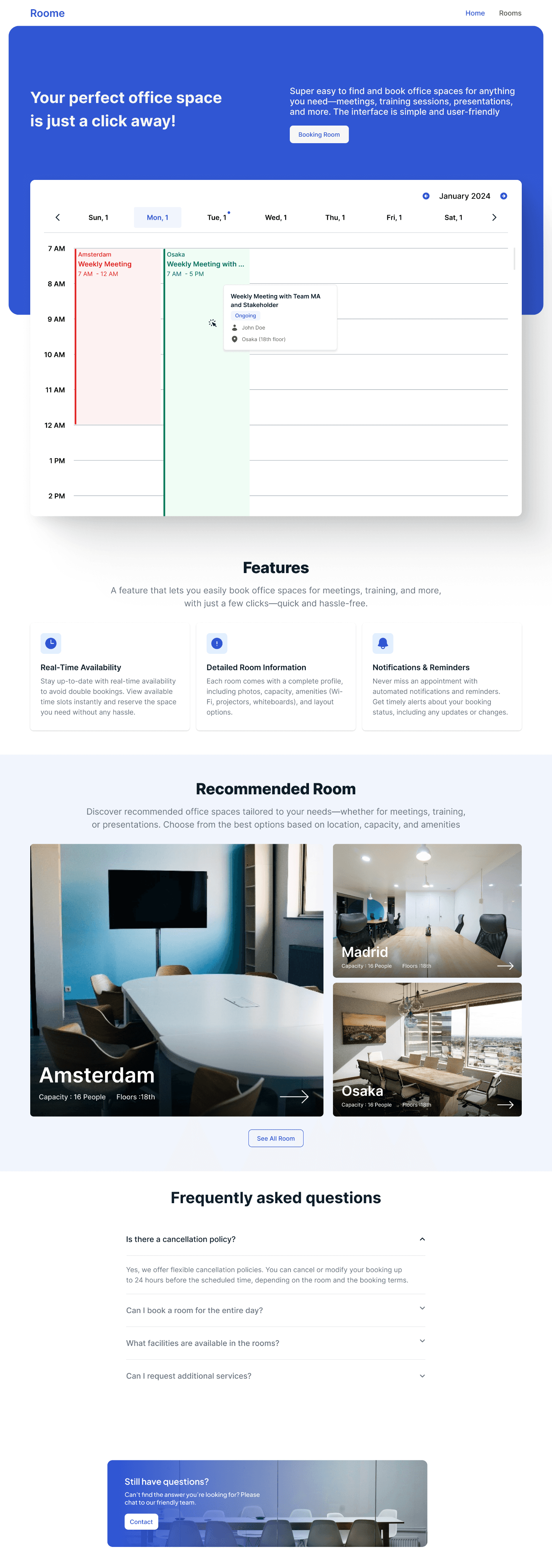
The Roome landing page directly displays the room schedule in a weekly calendar format, making it easy for users to see which rooms are booked and which are still available. With a clear and easily accessible layout, users can quickly identify the available or occupied rooms, streamlining the room booking process. There is also a booking button that directs users to the booking form if they wish to quickly reserve a room. Additionally, there are explanations about the various features available on the website, and the page also provides recommendations for rooms available at the Metrodata office, tailored to the needs of employees.
Form Booking
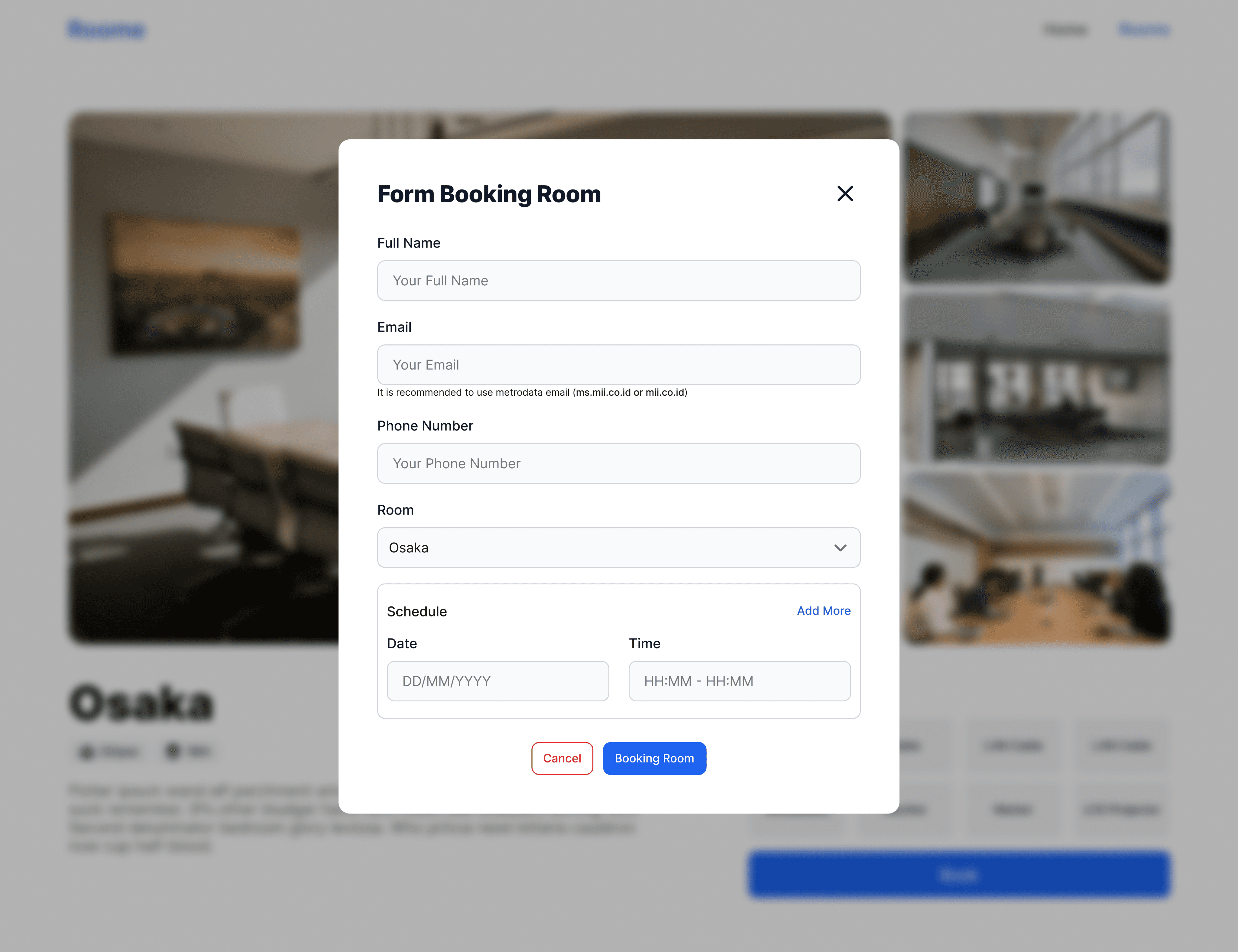
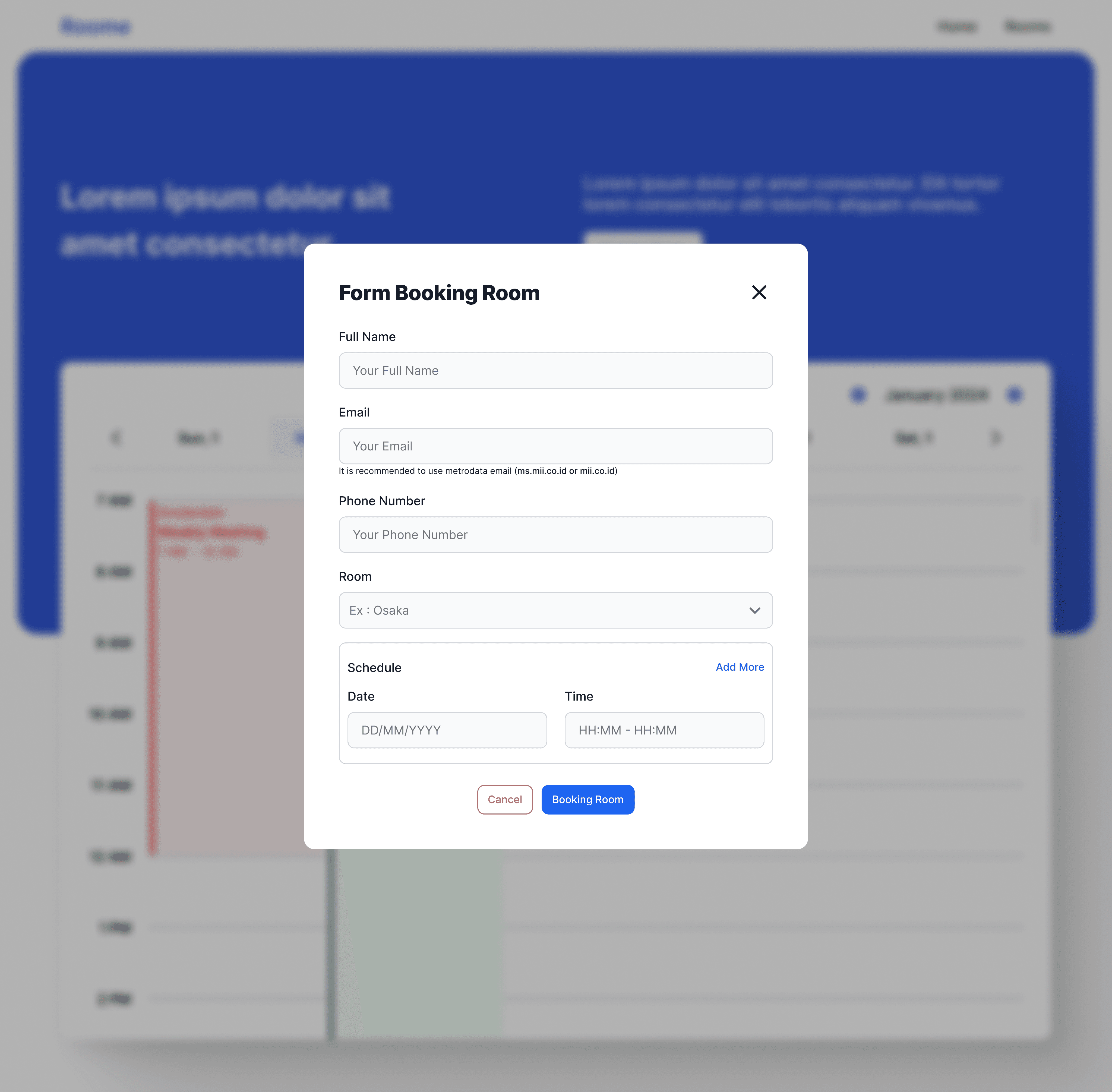
This booking form is designed to collect the necessary information for reserving a room at the Metrodata office. Users are required to fill in several fields, including their name, email address (preferably a company email), phone number, the room they wish to book, and the date and time they need the room. Once the form is submitted, a booking confirmation and notification will be sent to the email address provided. This ensures that users receive timely updates regarding their reservation and any additional information they may need.
Rooms
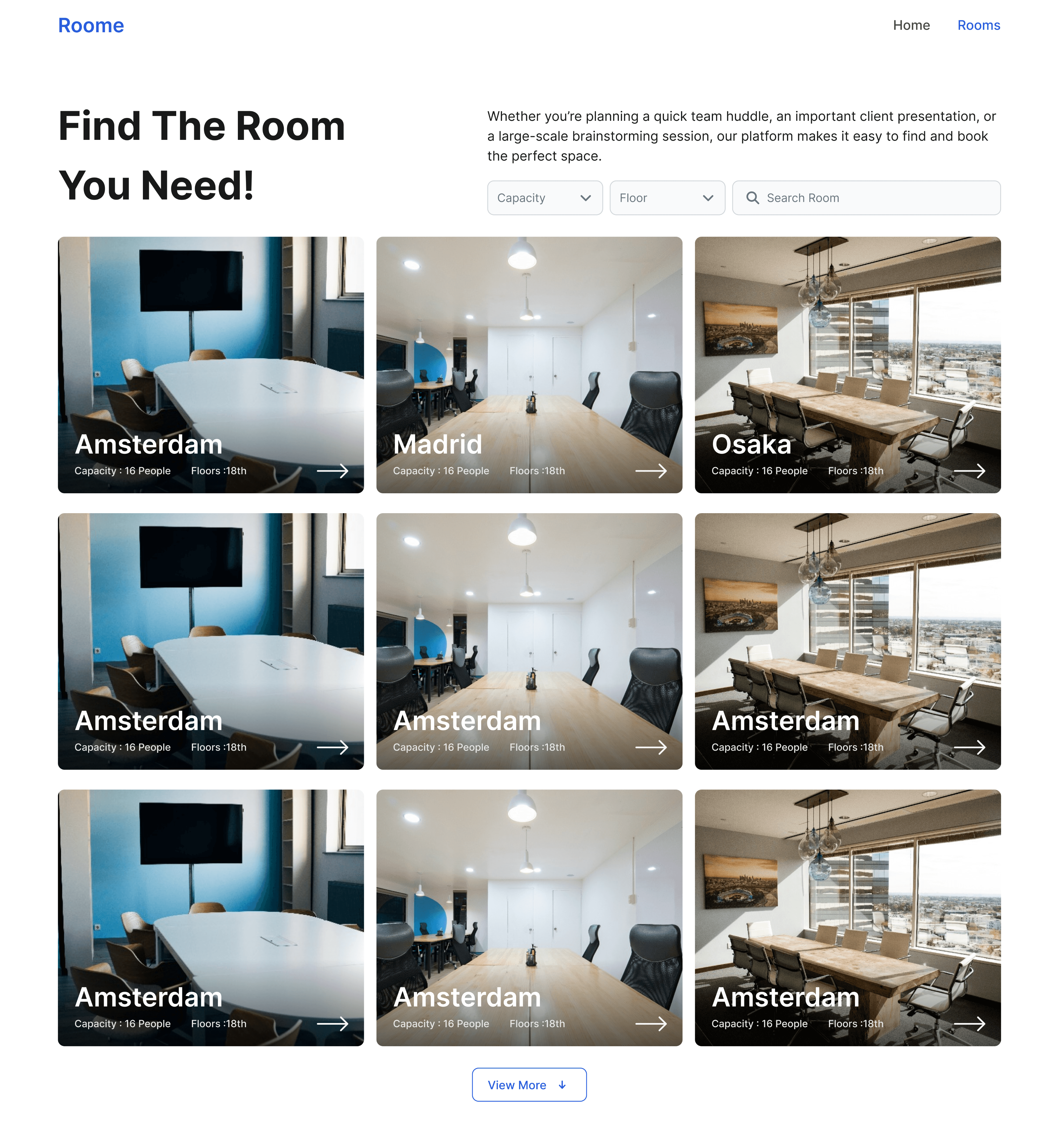
This page displays various rooms available at the Metrodata office for employee use. It also features a filter and search bar that make it easier for users to find the room they want to view. The filters available on this page include capacity, which allows users to filter rooms based on their capacity, and floor, which helps users find rooms located on specific floors, as the Metrodata office is spread across several floors in the APL building
Room Detail
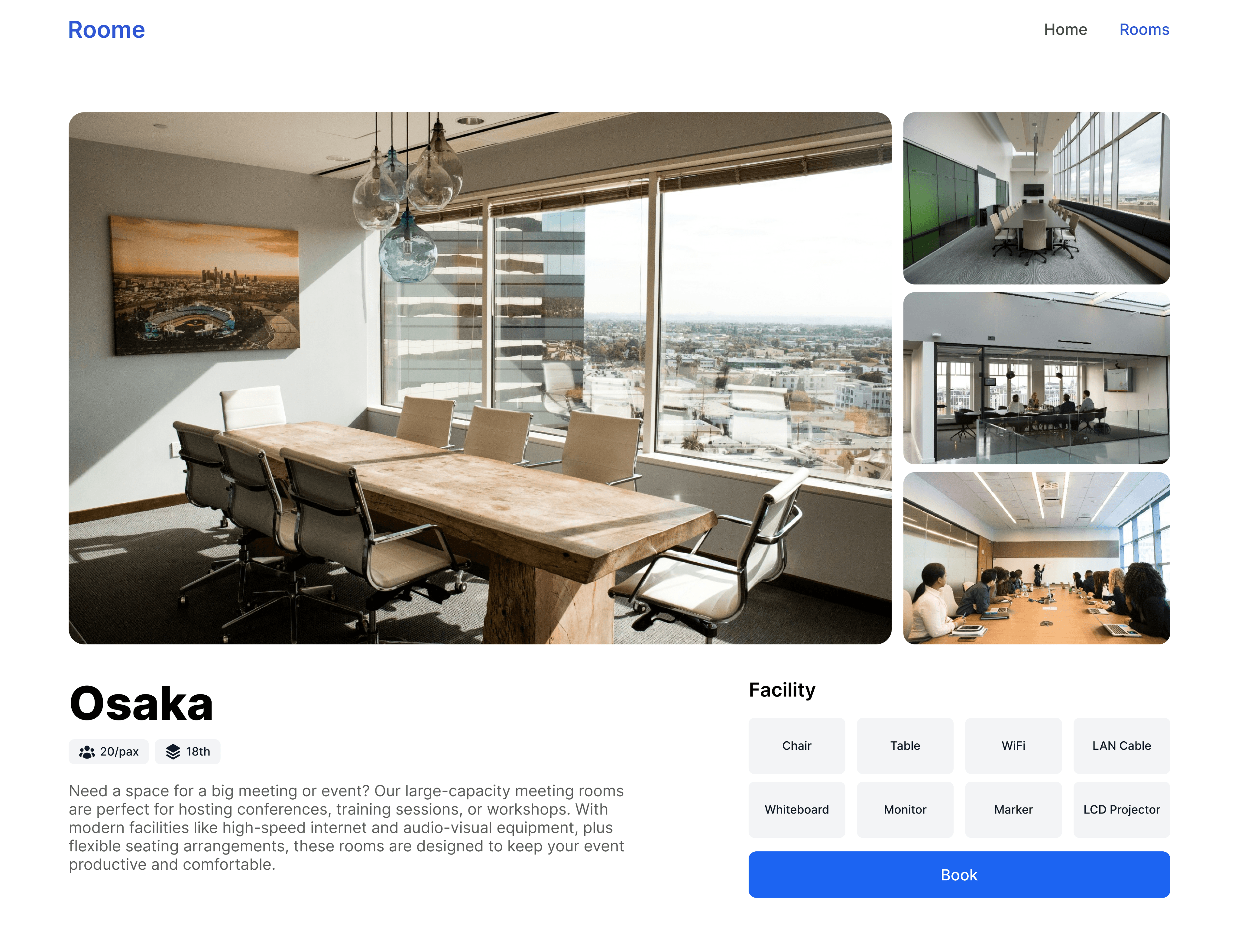
Here, you can view the details of the selected room, including various photos of the room and information about the available facilities, such as tables, chairs, internet, whiteboards, and more. This page also includes a booking button that directs users to the booking form page, which is the same as the one on the landing page. However, the room field is automatically filled in with the room selected earlier, making the booking process easier and faster.
Form Booking
It is the same as the booking form on the landing page when the user clicks the booking button, but here, the room field is automatically filled in with the room that was previously viewed.
4o mini